
Voice and recording
How Vox works: from creating an account to your first audio
A walkthrough of registration, your voice profile, language selection, and checking your first excerpt.
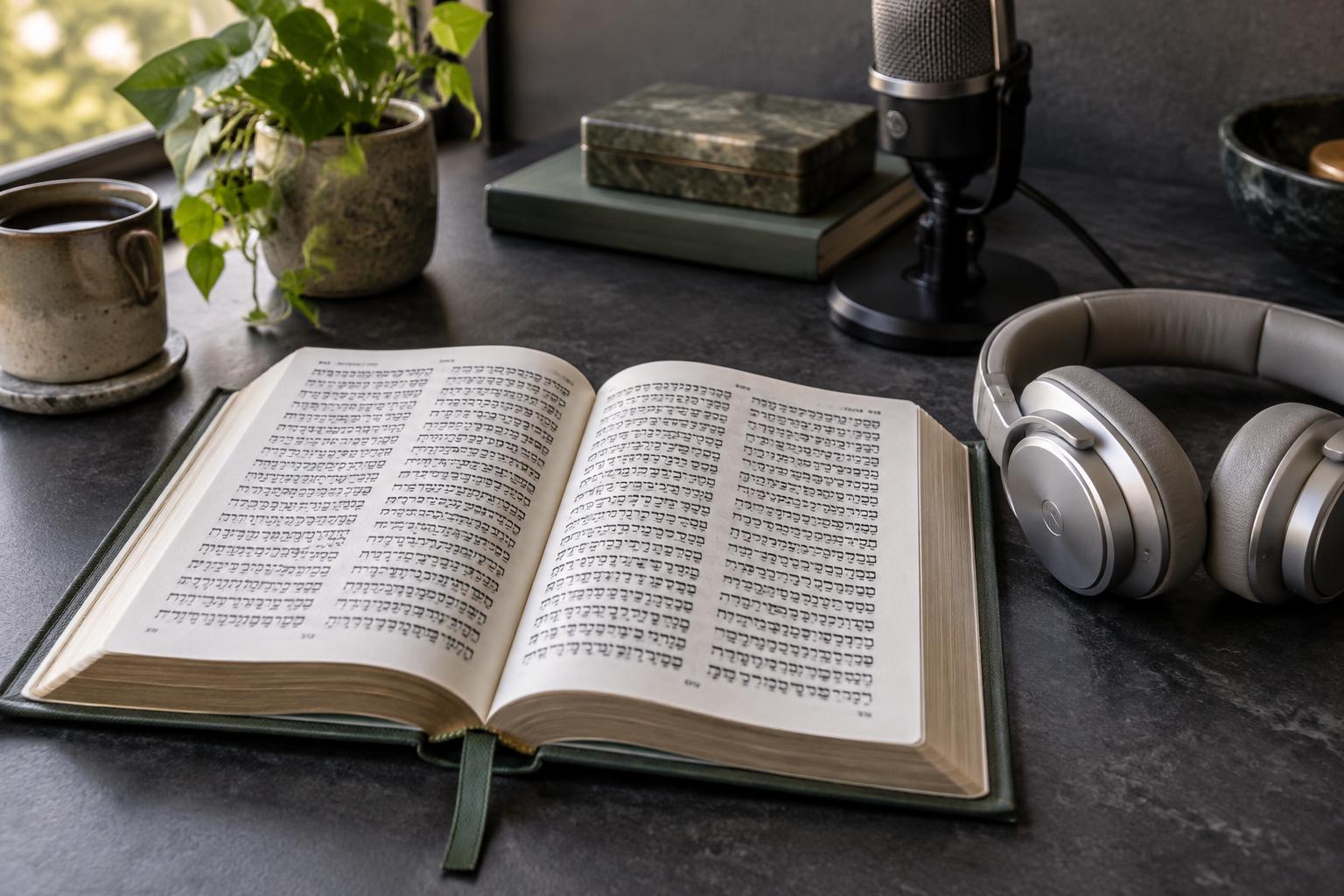
Vox lets you create a voice and generate narration of Tanakh texts. The process begins with your account and My Voice, not with playback using a default voice. After cloning is complete, the app takes you to the listening room to select a book and chapter. Setting the language and reviewing the sample before generating audio helps avoid confusion in that first session.
Create your account and prepare the sample
Registration requires a name, email address, and password. After you create your account, the intended flow opens My Voice. There, you select Hebrew, English, or Spanish and read the corresponding guide during a recording of up to 10 seconds.
Do this in a quiet place, with only one voice and a natural tone. Before cloning, listen to the sample and record it again if it contains significant interruptions. Clarity helps, but it does not guarantee an identical result for everyone.
Choose a book and chapter
When cloning is complete, you arrive in the listening room. The language selection is shared with My Voice. Check that the voice matches the language you want and choose a short passage to start with.
The catalog focuses on the Tanakh and does not include the New Testament. Spanish uses RV1909, English uses JPS 1917, and Hebrew comes from Sefaria. These sources matter if you are following a different written edition.
Review the result and your balance
Generation may cover only part of the chapter, depending on your available balance. Locate the last sentence before considering a reading complete. Your account displays free credits and additional words separately.
The cloned voice is still synthetic: check pronunciation and text when necessary, and do not present it as an original recording of the person. Use only your own voice or a voice you are authorized to use. For a useful first test, keep a record of the book, chapter, language, and an observation about clarity, rather than generating several files without checking them.